Rigged Model A-Pose
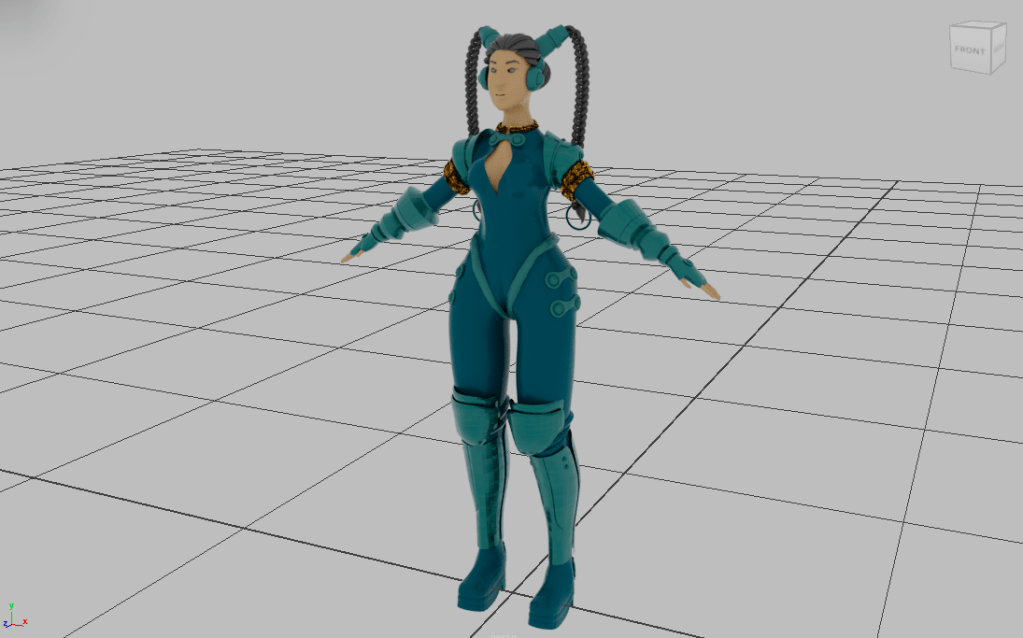
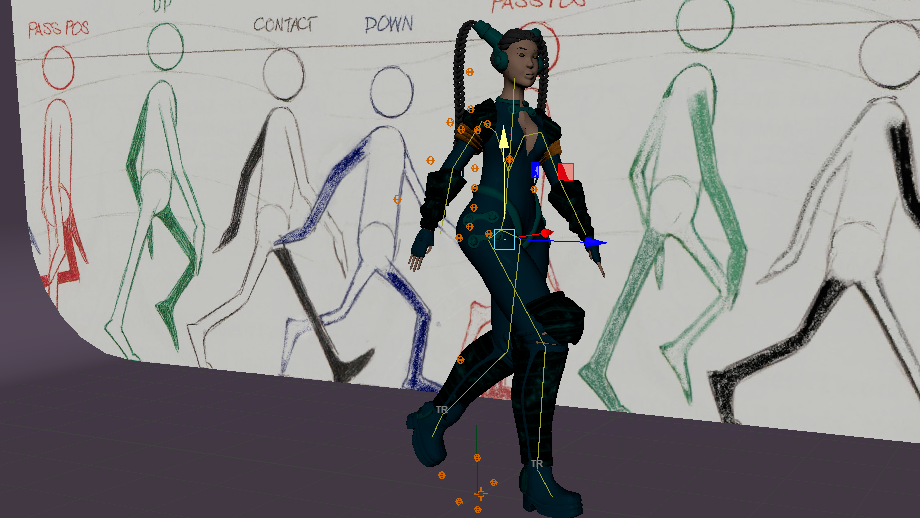
Fully Animated Model & WalkCycle
CONCEPT & WALKTHROUGH
To start, I began mapping out the general structure of my model with primitive objects: cubes and spheres and used classic modeling tools to create a base mesh for the model. I found that by working with low poly shapes, it allows for more mechanical control over individual faces, edges and vertices. To add a real life look, I prepared the measure to 1.7m for the height of the female model.
I used techniques such as extruding, loop cutting and beveling to add extra geometry to round the surface of the objects.
Once the core and limbs of the body were modelled, with enough edge loops to add dimension, I moved on to sculpting the head separate to the body which I later combined. As the resolution was high with the additional subdivisions, I retopologised the head by extruding the mesh and snapping to faces to flow well all around.
For the hair structure I envisioned to have two braids that were pulled back. I formed the hair by shaping a bezier curve with ridges and used the points in the path to place it around the head. I followed a similar rule for the braids however instead of bezier curves I shaped the path curves to create an interwoven pattern.
After successfully smoothing and subdividing the mesh, and adding extra details to stylise the model I proceeded to textures and mapping. For this I exported the model I was working on from Blender into Maya to allow for coherence as I progressed onto its animation,
The textures I opted for had a metallic and mechanical style which I baked with normal, height and displacement maps.
As for the colour palette I remained close to the blue tone of the original character with a more contemporary range.
For the rigging step and onwards, I had to ensure that the geometry of my model was clean and had achieved a proper edge flow to avoid complications in the rigging and animation to follow. Mesh construction for deformation is an art in itself; the model needed to have a polished state in order to allow fluidity in its movement.
Module:
Modelling and Animation
Programmes Used:
Maya; Blender; Adobe Substance Painter
 Marwa
Marwa 
Leave a comment